Reference values
Technical details
Native values and variant identities remain separate. These fields are not a final damage prediction.
{
    "EquipParamGoods:9009": {
        "refId": -1,
        "weight": 0,
        "basicPrice": 0,
        "sellValue": -1,
        "behaviorId": 0,
        "replaceItemId": -1,
        "magicId": -1,
        "maxNum": 1,
        "goodsType": 0,
        "refCategory": 0,
        "spEffectCategory": 0,
        "goodsCategory": 0,
        "goodsUseAnim": 0,
        "replaceCategory": 0,
        "isEquip": 0,
        "isConsume": 0,
        "isOnlyOne": 0,
        "isDrop": 0,
        "isDeposit": 0
    }
}
Where to find
Starting gesture
Northern Undead Asylum
Requirements
- Available to every starting class.
- Open the gesture menu after taking control of your character.
- Select this gesture to perform it. If you have replaced its menu slot, open the gesture selection list and assign it to a slot again.
Notes
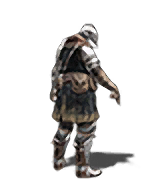
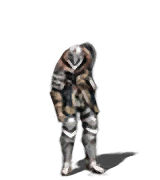
- Motion: Points toward the ground in front of your character. It can draw attention to something below your position.
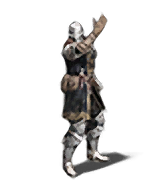
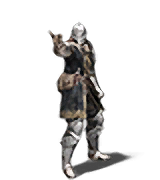
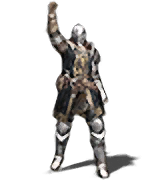
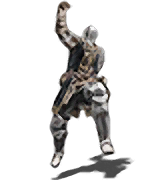
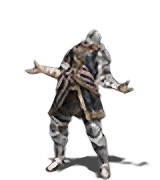
- Other directions: Point forward and Point up are separate menu choices, also available from the start.